
 P24
No image
P24
No image
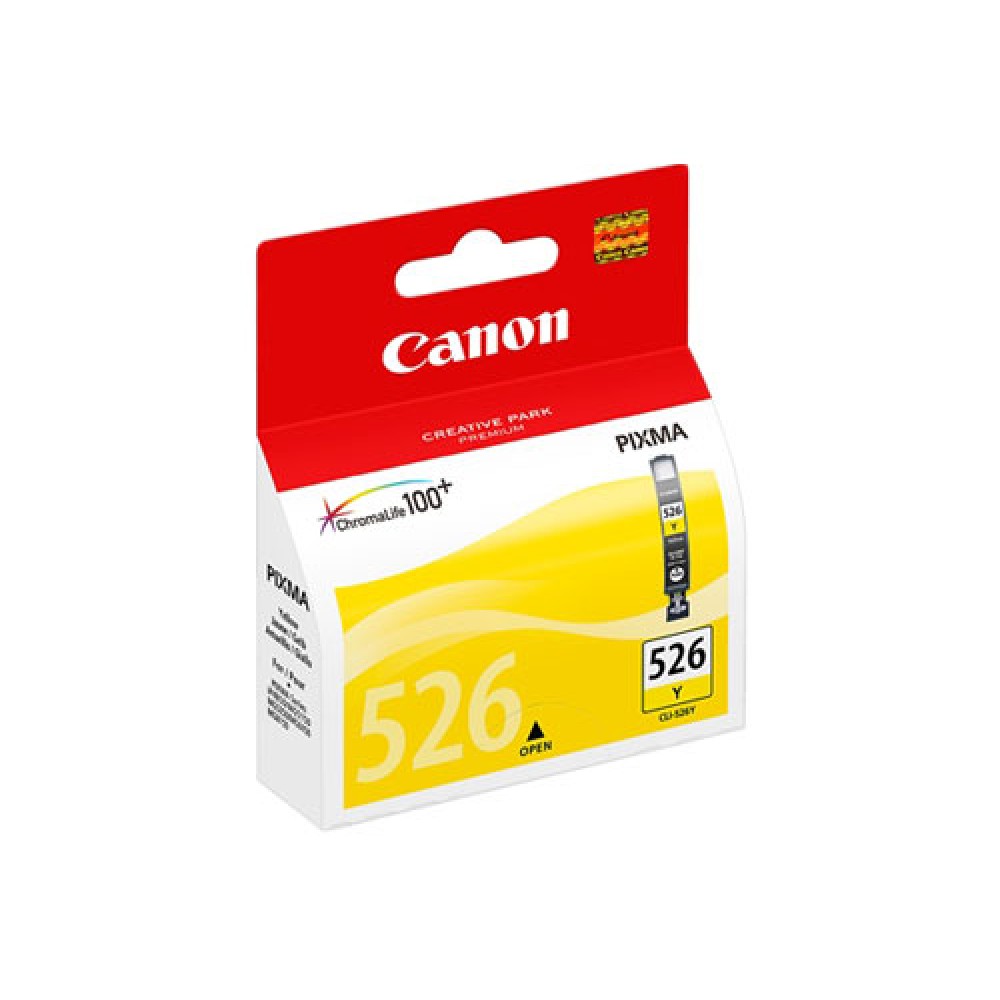
Tintes kasete Canon CLI-526Y, 4543B001 dzeltena
Delivery
LatviaAchieve truly vivid, long-lasting prints with the genuine Canon CLI-526Y Yellow Ink Cartridge. This high-quality, standard-capacity ink tank is engineered to deliver brilliant yellow tones, making it ideal for printing vibrant photos, clear documents, and detailed graphics. Experience consistent, professional-looking results every time you print with this essential component for your Canon PIXMA printer.
Utilizing Canon's advanced ChromaLife100 technology, this yellow ink cartridge ensures exceptional print quality with remarkable fade resistance, preserving your cherished memories and important documents for years to come. The 9ml capacity provides a reliable yield of up to 525 pages, offering a cost-effective solution without compromising on the superior output quality that Canon is known for in its printing supplies.
Designed for seamless integration, this original Canon ink cartridge guarantees optimal performance and helps maintain your printer's warranty. Its wide compatibility with various Canon PIXMA printer models, coupled with straightforward installation, makes it the perfect choice for anyone seeking reliable, high-quality dye-based yellow ink for their printing projects.
Specifications- Ink Type: Dye-based
- Color: Yellow
- Capacity: 9ml
- Yield: Up to 525 pages (ISO/IEC 24711)
- Cartridge Features: Canon ChromaLife100
- Compatible Printers: PIXMA iP4850, iP4950, iX6550, MG5150, MG5250, MG5350, MG6150, MG6250, MG8150, MG8250, MX715, MX885, MX895
To install your Canon CLI-526Y Yellow Ink Cartridge, simply remove the protective tape from the cartridge. Open the ink cartridge compartment on your compatible Canon PIXMA printer, align the cartridge with its designated slot, and gently insert it. Close the compartment and follow any on-screen prompts to complete the installation process.